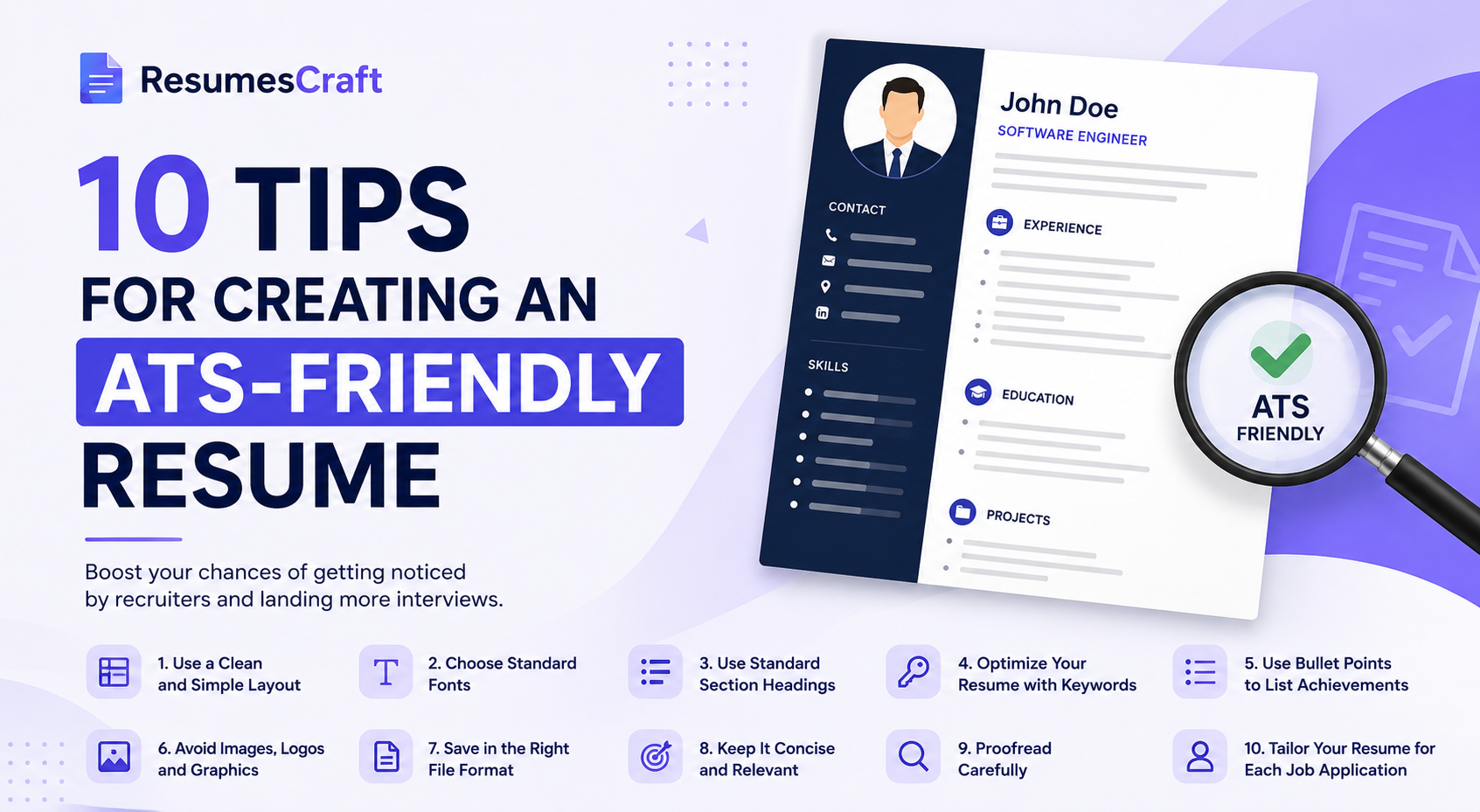
Did you know that most companies use an Applicant Tracking System (ATS) to scan resumes before a recruiter ever sees them? If your resume isn't ATS-friendly, it could be rejected—even if you're highly qualified for the job.
In this guide, you'll learn 10 practical tips to create a resume that not only passes ATS screening but also impresses hiring managers.
What You'll Learn
1. Use a Simple Resume Format
Avoid complex layouts, tables, text boxes, and graphics. Stick to a clean, single-column design that ATS software can easily read.
2. Include Job-Specific Keywords
Carefully review the job description and naturally include relevant skills, qualifications, and industry-specific keywords throughout your resume.
3. Choose Standard Section Headings
Use headings like Professional Summary, Work Experience, Education, Skills, and Certifications so ATS software can accurately identify your information.
4. Highlight Measurable Achievements
Instead of listing responsibilities, showcase accomplishments with numbers and results. For example, "Increased sales by 30%" or "Reduced website load time by 45%."
5. Use Professional Fonts
Select easy-to-read fonts such as Arial, Calibri, Helvetica, or Times New Roman. Avoid decorative fonts that may not be recognized correctly.
6. Save Your Resume in the Right Format
Unless the employer requests otherwise, submit your resume as a PDF or Word document (.docx) to preserve formatting and improve compatibility.
7. Keep Your Contact Information Clear
Include your full name, phone number, professional email address, LinkedIn profile, and portfolio website (if applicable) at the top of your resume.
8. Tailor Your Resume for Every Application
Customize your resume for each position by emphasizing the experience and skills that best match the specific job requirements.
9. Proofread Carefully
Grammar mistakes, spelling errors, and inconsistent formatting can leave a poor impression. Review your resume multiple times before submitting it.
10. Keep It Concise
Aim for a one-page resume if you have less than 10 years of experience. Focus on relevant information and remove anything outdated or unnecessary.
Final Thoughts
Creating an ATS-friendly resume is one of the most effective ways to improve your chances of getting noticed by recruiters. By following these tips, you'll increase the likelihood of passing automated screening systems and securing more interviews.
Whether you're a recent graduate, an experienced professional, or changing careers, investing time in optimizing your resume can make a significant difference in your job search.
Need help building an ATS-friendly resume?
Visit ResumesCraft to create professional, recruiter-friendly resumes in minutes with modern templates and AI-powered writing assistance.